








Grade A1 - Good condition with hard to spot minor blemishes


Warranty included
Enjoy the peace of mind that your product is covered with a guarantee on both parts and labour.

Fully working
Our expert engineers rigorously test and check every product to ensure everything functions as it should.

What's included
All accessories are included unless otherwise stated in the description below.

Limited stock
Our refurbished products sell out quickly, so be quick and get a fantastic product at a fraction of the new price.
GRADE A1
Stand out features
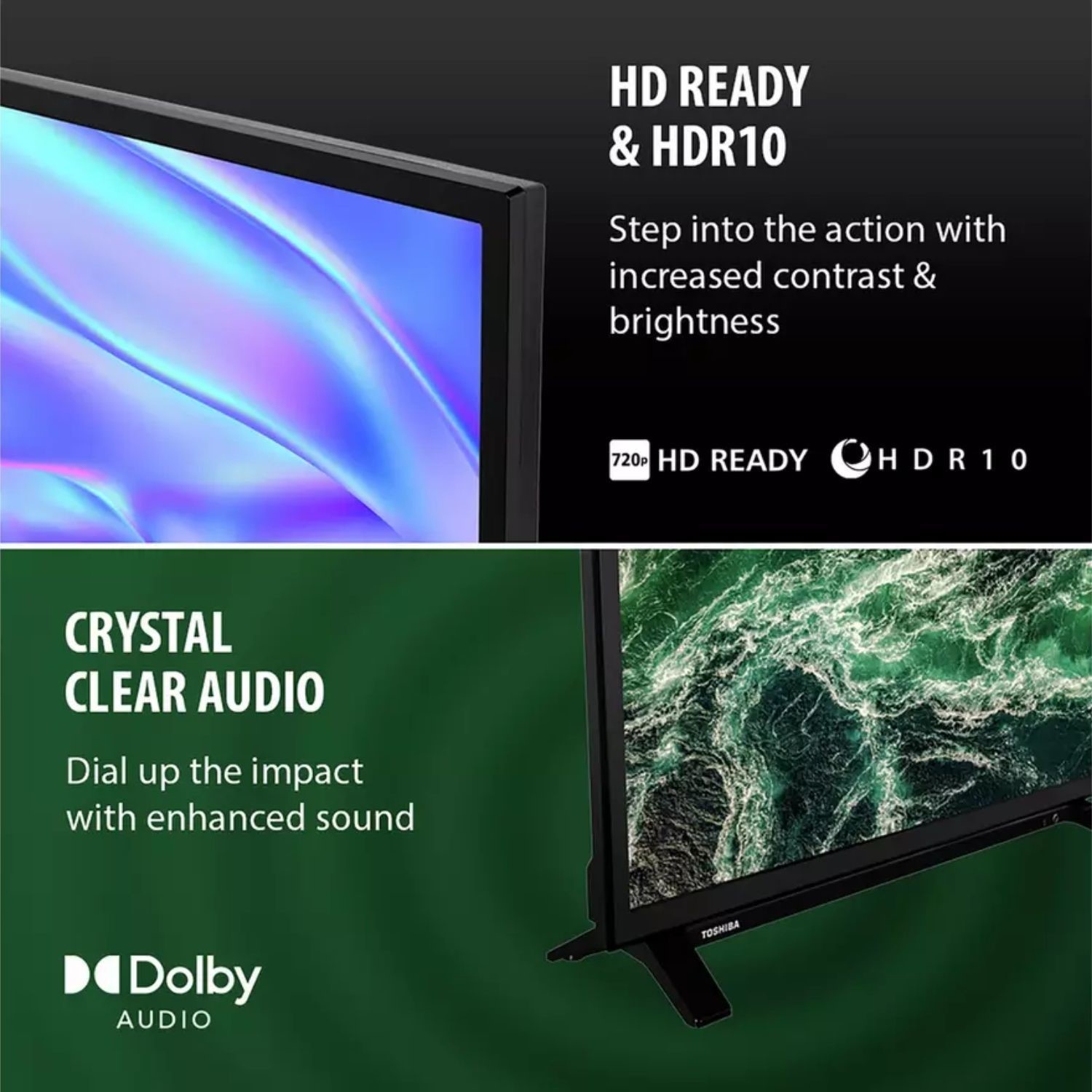
HD Ready, HDR10 & Dolby Audio
Enjoy clear, vibrant visuals with HD Ready resolution enhanced by HDR10 for improved contrast and colour. Combined with Dolby Audio, you get rich, balanced sound that brings everyday TV, films and streaming to life.
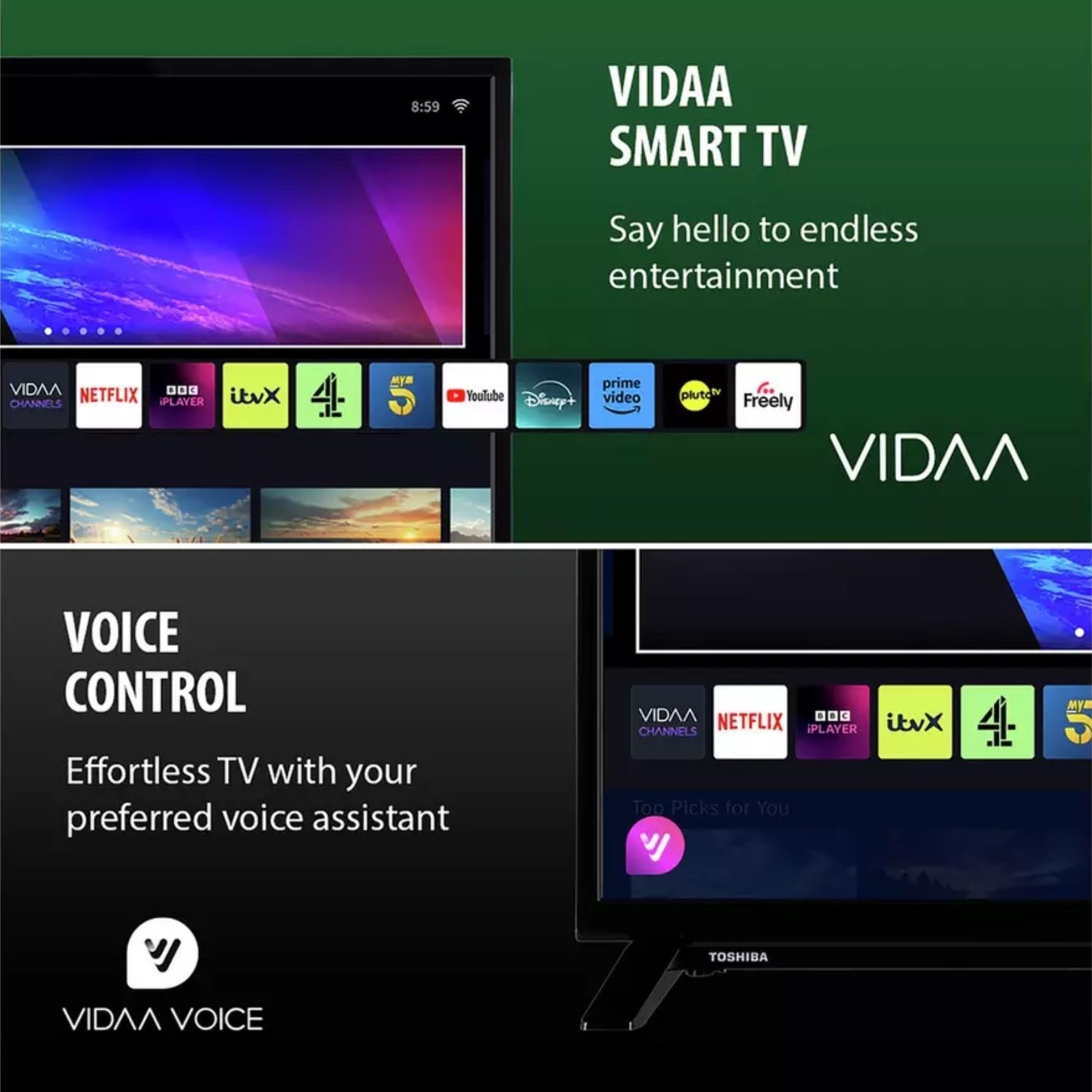
VIDAA Smart TV with Voice Control
Access your favourite apps quickly with the VIDAA Smart platform, designed for fast and intuitive navigation. With voice control support via Alexa and Google Assistant, you can search content, launch apps and control your TV hands-free.
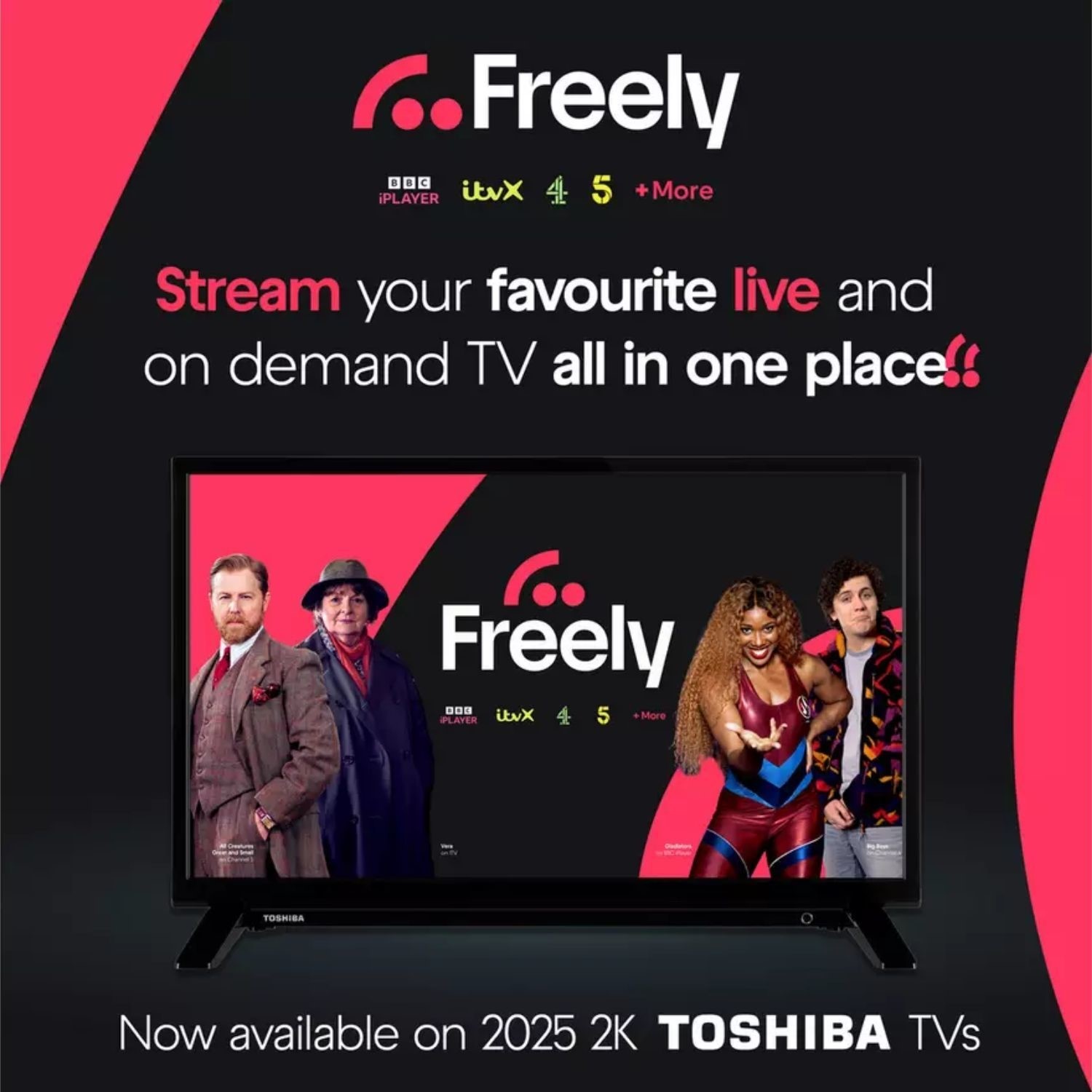
Freely
Stream live and on-demand TV without the need for an aerial. Freely brings your favourite channels and catch-up content together in one place, making it easy to find and enjoy what you love over Wi-Fi.



